
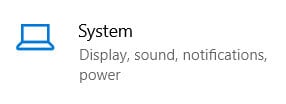
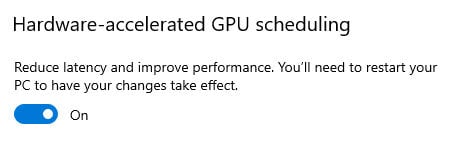
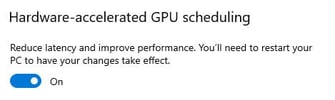
It is recommended to enable PIX4Dmatic to use the real graphic card on your Windows device by following these steps:
 Windows 10 Windows 10 |
Windows 11 |
|
|
 |
|
|
|
|
|
|
|
|
|
|
|
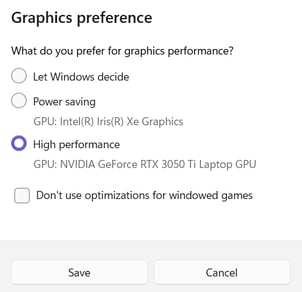
| 「保存」をクリックします。 | 「保存」をクリックします。 |
| PIX4Dmatic is now listed as using the High-performance preference. | PIX4Dmatic is now listed as using the High-performance preference. |




After assigning the high-performance graphics card to the Pix4D software, it is highly recommended that you check the version of the controllers. For more information, please read the following article: