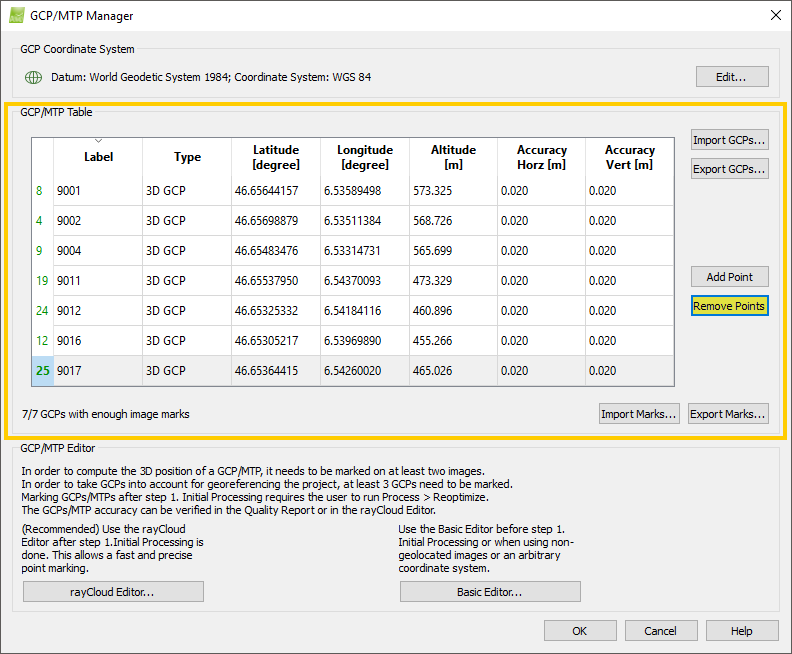
Access: On the Menu bar, click
Project >
GCP/MTP Manager..., on
GCP/MTP Table, click
Remove Points.
When clicking Remove Points the GCPs/MTPs/Check Points that are displayed on the GCP/MTP Table can be removed. One or multiple points can be selected from the GCP/MTP Table and be removed by clicking Remove Points. For more information about how to select a point on the GCP/MTP Table: GCP / Manual Tie Point Table.