
Access: On the Menu bar, click
Project > GCP/MTP
Manager... The
GCP/MTP Manager window opens. In the
GCP/MTP Editor section, click
Basic Editor...
This section allows the user to view the GCPs/MTPs/Check Points, values and status.
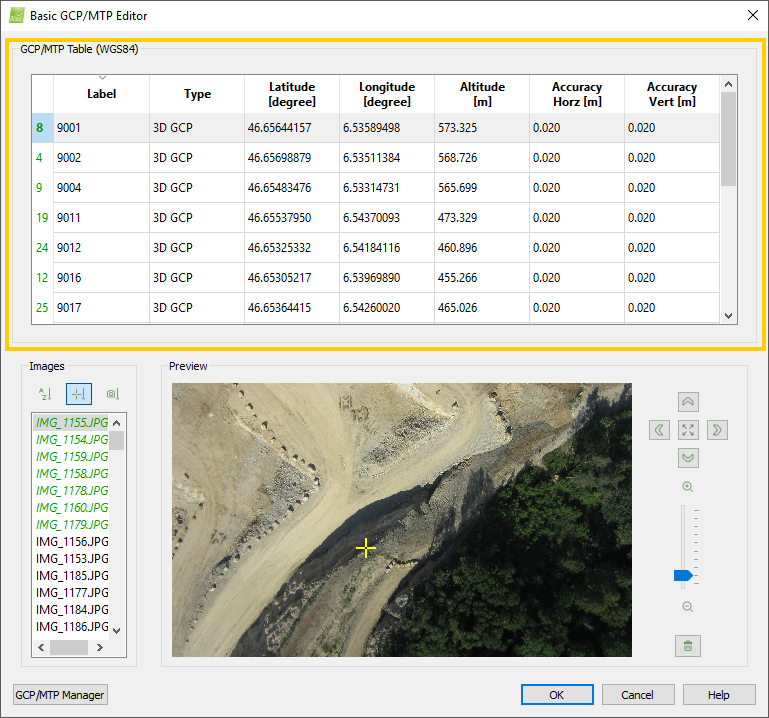
Next to the section title GCP/MTP Table, the coordinate system of the GCPs is displayed.
This section contains a Ground Control Points Table which displays all the GCPs of the projects together with their properties.