Information: This article provides detailed guidance on how to verify that sufficient image overlap exists in a nadir flight. The procedures and recommendations outlined here are specific to nadir imagery and do not apply to oblique image acquisition.
Licenses: This article is valid for PIX4Dcloud Starter and PIX4Dcloud Pro licenses (formerly PIX4Dcloud Advanced).
Roles: Only Owners, Managers, and Editors can create and process datasets in PIX4Dcloud.
To verify if there is enough overlap between the images:
1. Open the images to visualize them.
2. Visually check the overlap between the images. The recommended minimum overlap should be:
- 75% frontal and 60% side overlap in general cases.
- 80% frontal and side overlap for agriculture fields and 85% frontal and side overlap for forests and dense vegetation.
- 85% frontal overlap for single-track corridor mapping. Use 60% side overlap if the corridor is acquired using two flight lines.
For more information on the overlap and image acquisition, check the PIX4Dcloud best practises article.
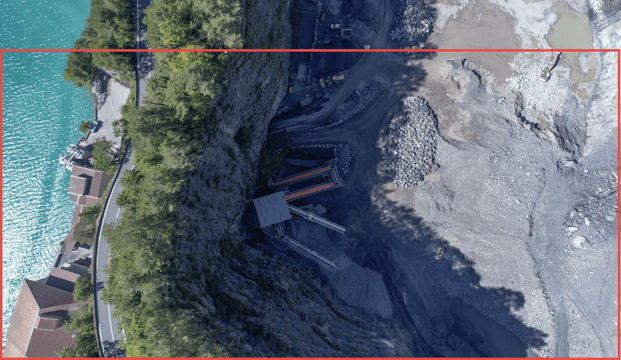
Verification could be done visually by comparing the shared / overlapping area between two adjacent images. As shown in the below images, the shared area (red rectangle) between the two images is approximately greater than 80% for front overlap.