Licenses: This article is valid for all PIX4Dcloud licenses.
Roles: Owners, Managers, and Editors can create and modify folders.
What is a Folder?
Folders are used to organize datasets and sites within the Drive. A folder can contain:
-
Other folders
-
Sites
-
Datasets
Create a folder
-
In the Drive, select New folder.
-
Enter a folder name.
-
Select Create.
Move items to a folder
-
Items can be moved individually or in bulk.
Single item:
-
Select the more options (⋮) menu on a dataset, site, or folder.
-
Select Move to a folder.
-
Choose the destination folder or open it and select Move here.
Multiple items:
-
Select the checkboxes of the desired datasets, sites, or folders.
-
Select Move to.
-
Navigate to the destination folder and confirm.
-
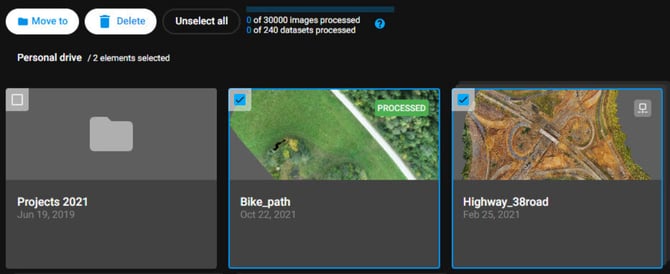
Note: Moving a folder also moves all of its contents.
Delete a folder
- Access the Drive.
- Select one or more folders.
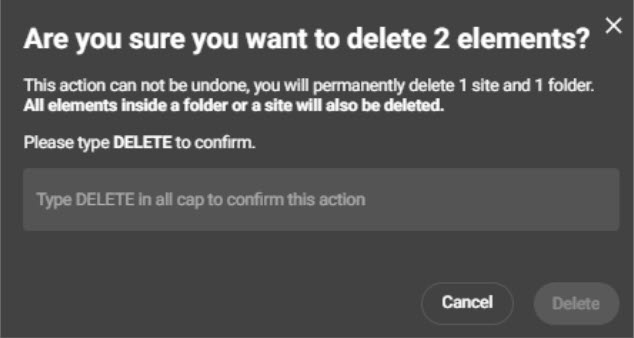
- Select Delete.
- Type DELETE to confirm.