
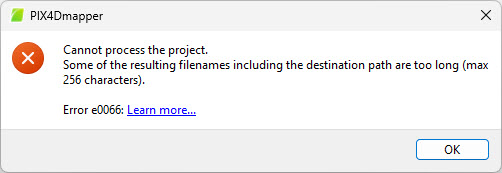
The "Error e0066: Cannot process the project. Some of the resulting filenames including the destination path are too long (max 256 characters)" appears most often when starting the first processing after the project creation (step 1).
IN THIS ARTICLE:
Error description
The error e0066 appears when running the step 1, initial processing, after the project creation and is caused by a long path/filename combination.
Even if the full path and filename are less than 256 characters, it is important to know that the processing will create new folders, nested subfolders, and files, which might increase the length of the full path.
Solution
To solve this problem, without the need of creating a new project, please proceed as follows:
- Select Menu Project > Save Project As...
- Chose a shorter .p4d filename and select a path closer to the root and/or with shorter folder names.
- Click Save.
- Start the processing again.