
To delete an object vertex :
1. Chose the vertex in rayCloud.
2. On the Layers Sidebar on the left, right click on the corresponding Manual Tie Point (mtp).
3. Click Remove.
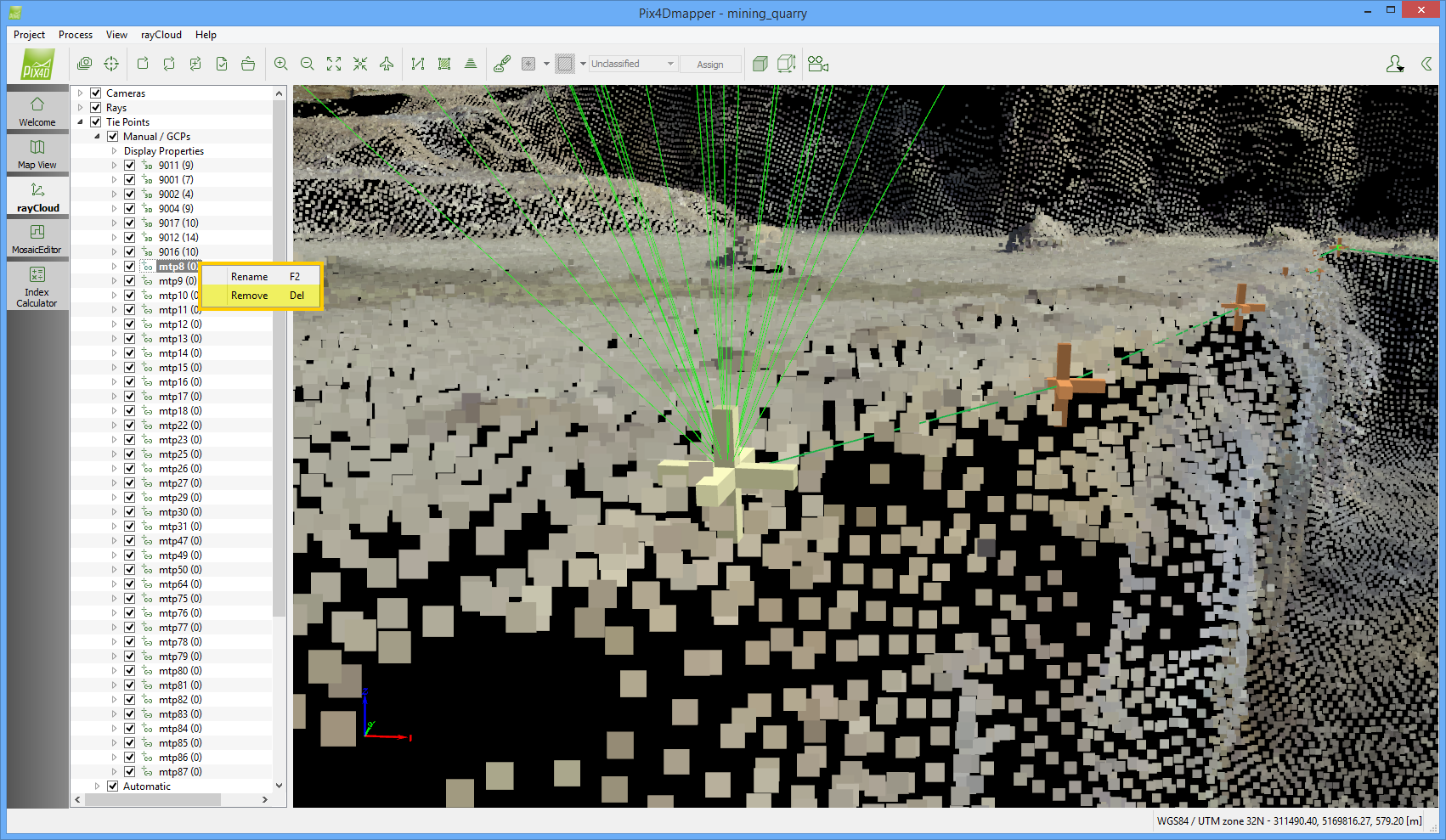
To delete an object vertex :
1. Chose the vertex in rayCloud.
2. On the Layers Sidebar on the left, right click on the corresponding Manual Tie Point (mtp).
3. Click Remove.