
ライセンス:この記事はすべての PIX4Dcloud ライセンスに適用されます。
Roles: Only Owners, Managers, Editors, and Readers can access the first person contril within a datasets in PIX4Dcloud.
Advantages of the First person camera control
The First person mode allows one to navigate the space as if the character was walking inside the reconstructed environment and observing it from its position.
It provides a simplified and more intuitive way to navigate indoor spaces, removing interference from surrounding elements such as built and trench walls. When changing the point of view (hold the right mouse button and drag the mouse), the position of the character remains unchanged but the character starts to rotate around its position.
This mode is recommended for:
- Trenches
- Tunnels
- Indoor spaces
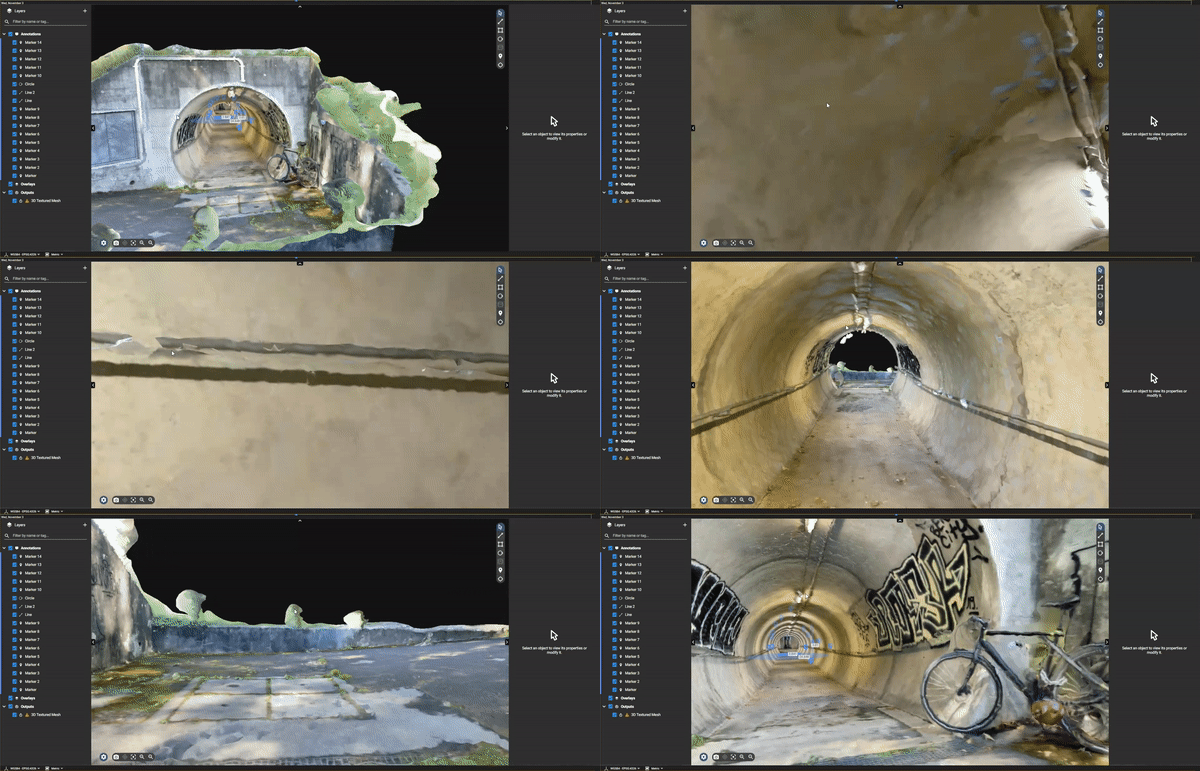
The Focused mode allows one to navigate the space as if it was a satellite flying around a fixed point instead.
When changing the point of view (hold the right mouse button and drag the mouse), the position of the character changes, rotating around the clicked point. When using this camera control with indoor spaces, some surrounding obstacles can interfere with the view.
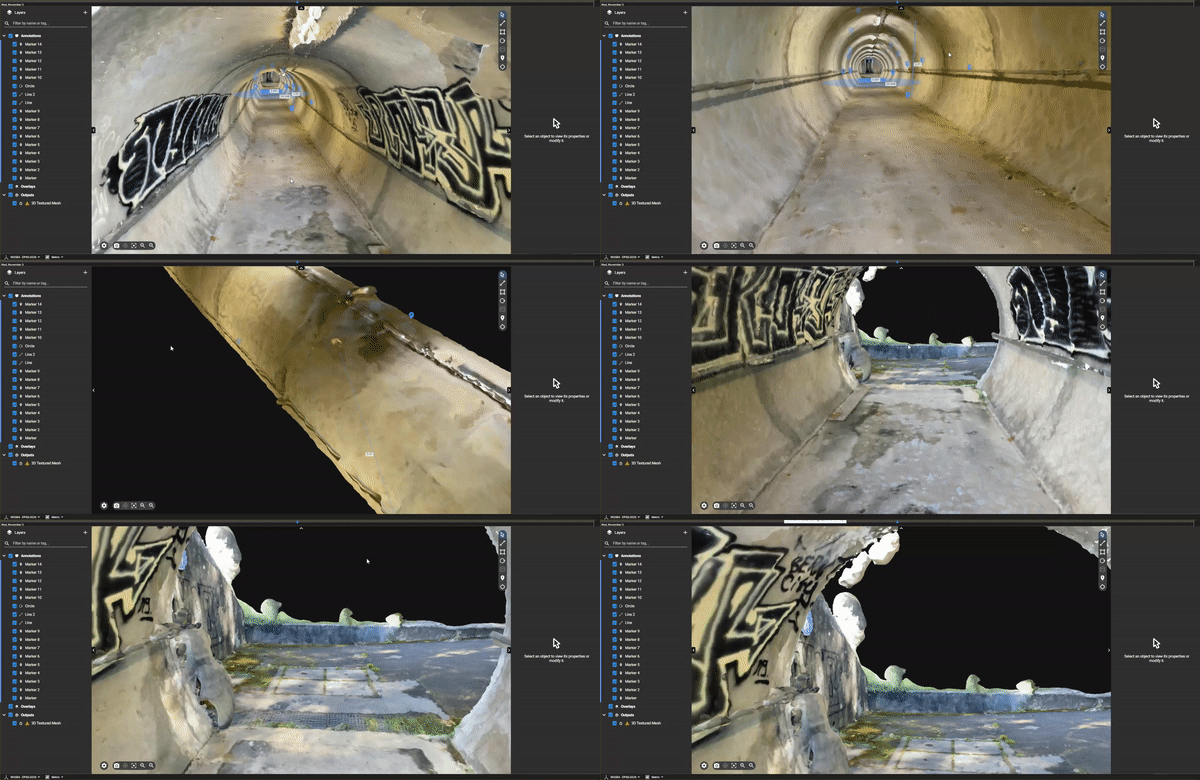
How to view a project in the first person
To use the First person view:
- Open a project in PIX4Dcloud.
- Select the 3D view.
- Open the Viewer settings, by clicking
 .
. - Next to Camera control、選択 First person.
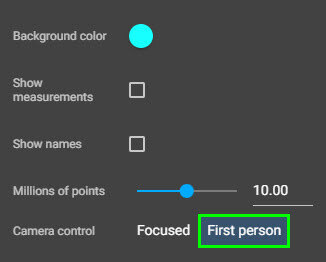
The project can now be navigated as in the first person.