
Pix4D generates orthomosaics in GeoTIFF format. For more information about the orthomosaic generation: Menu Process > Processing Options... > 3. DSM, Orthomosaic and Index > DSM and Orthomosaic.
The orthomosaic can be hosted on Amazon S3 using MapTiler. Such hosting is a robust and affordable way to publish your maps online. MapTiler is a graphical application for online map publishing. For more information: http://www.maptiler.org/
To host the orthomosaic on Amazon S3:
1. Open Maptiler.
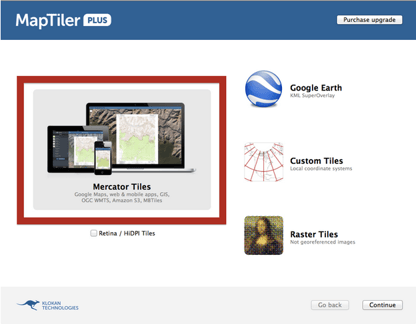
2. Choose Mercator Tiles.
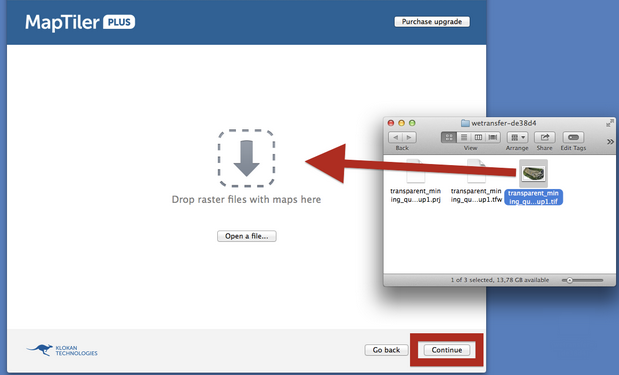
3. Drag & drop the Pix4Dmapper orthomosaic.
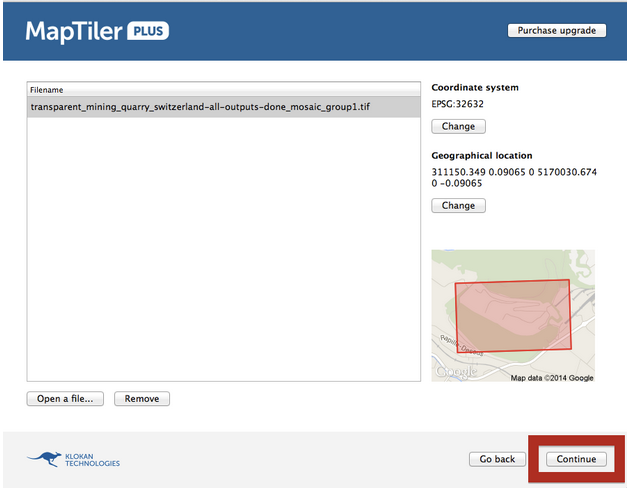
4. Confirm the coordinate system and geographical position by clicking on Continue.
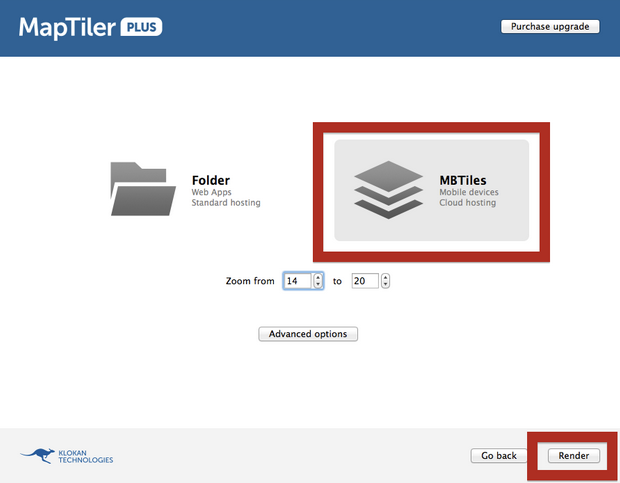
5. Click MBTiles.
6. Click Render.
7. Select the path where the .mbtiles will be saved.
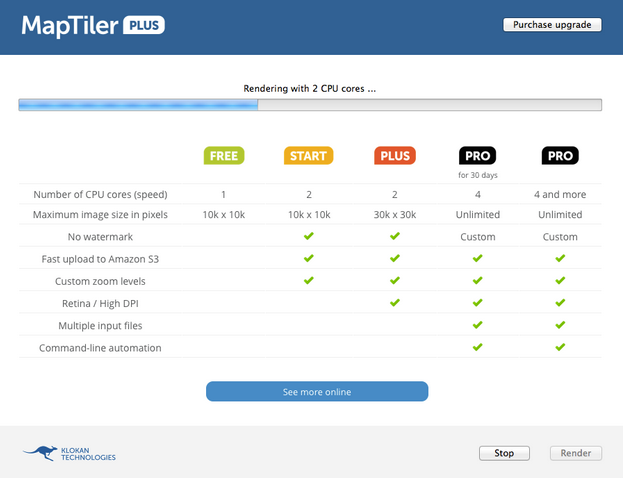
8. Wait until the map is rendered.
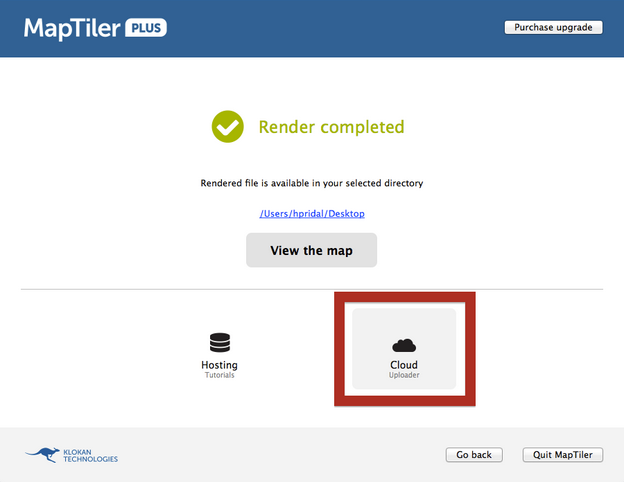
9. Click the Cloud Uploader.
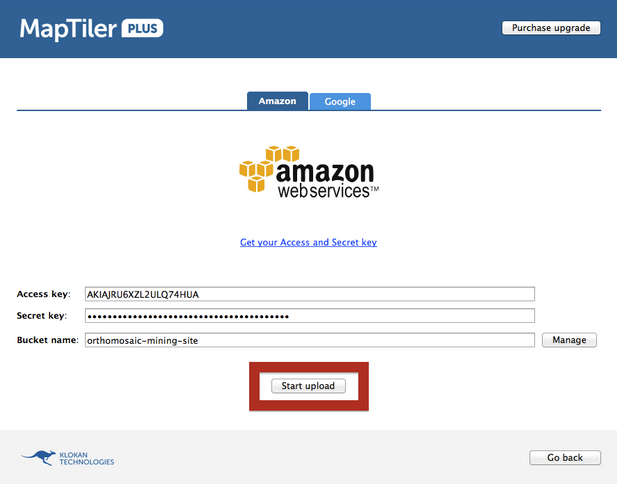
10. Type the Amazon S3 credentials and click Start upload.
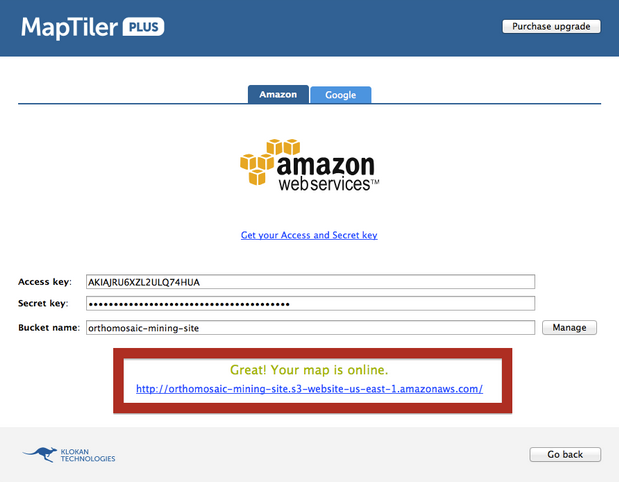
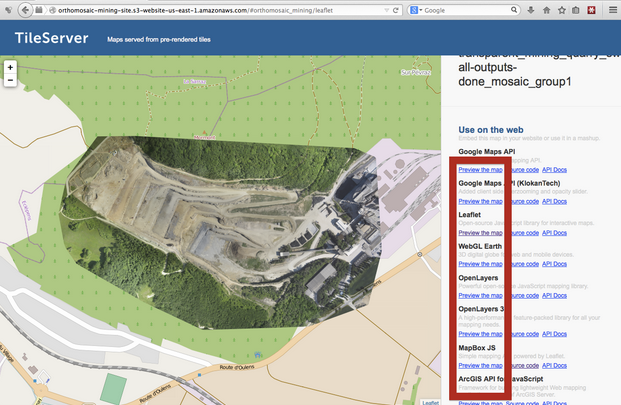
11. Click the link to get on the website with the map.
12. It is possible to preview the map in various Map API’s.
免責事項:Pix4Dは、お客様へのサービスの一環としてこの情報を提供しています。Pix4Dは、このコンテンツの有効性または正確性について、明示的か黙示的かを問わず、いかなる保証もいたしません。