
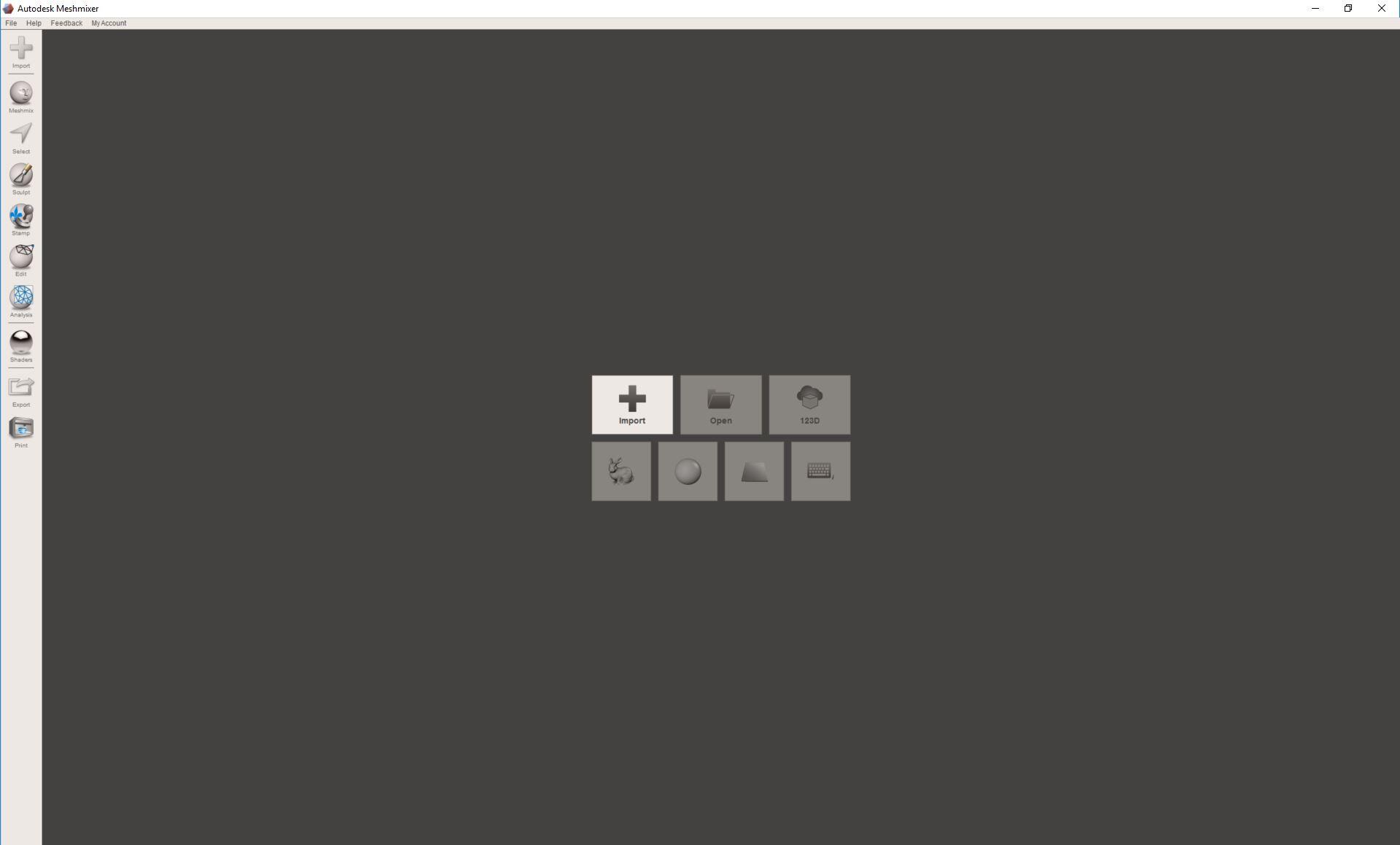
1. Open MeshMixer.
2. Click + and navigate to the folder to import the .obj or .ply file.
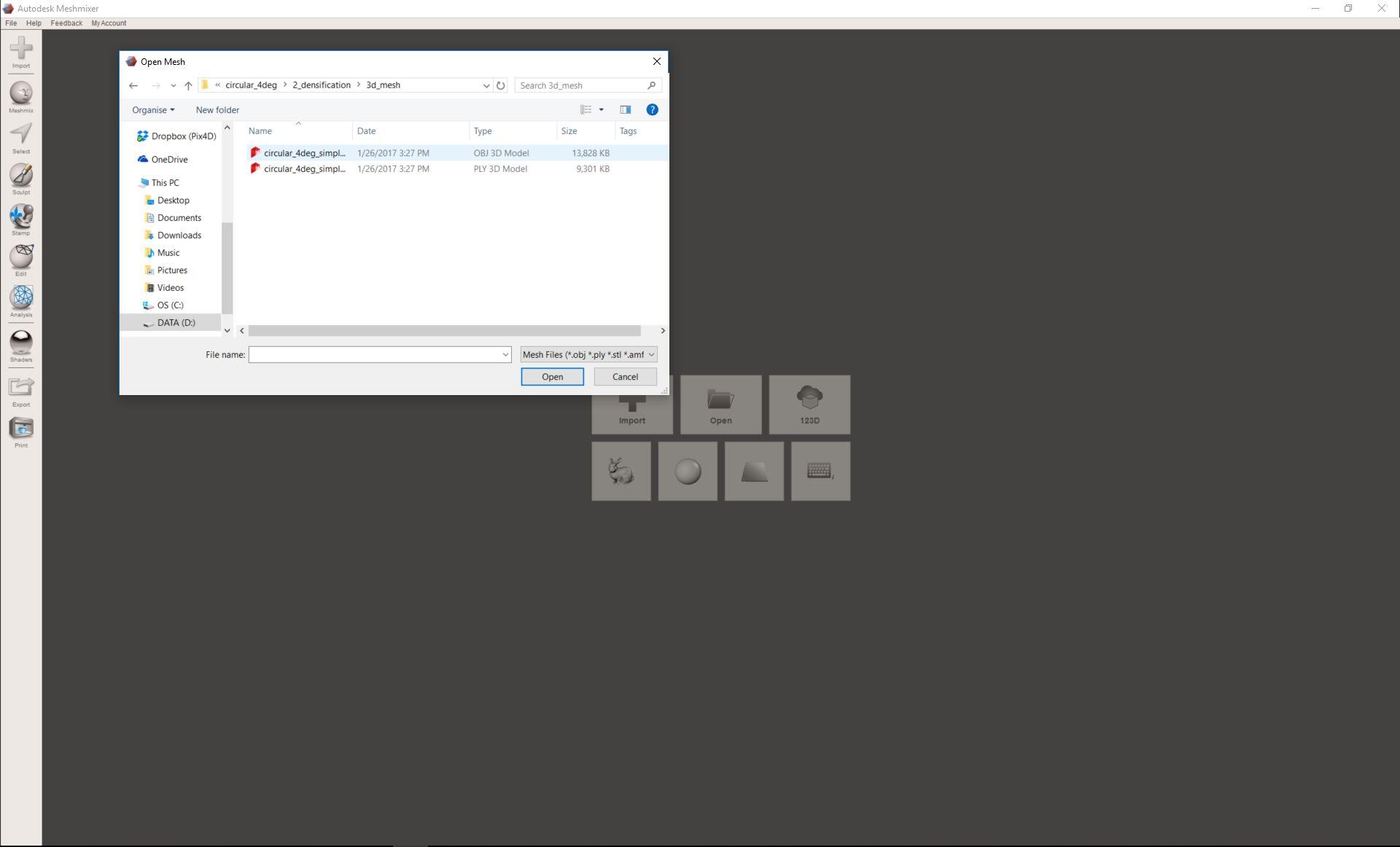
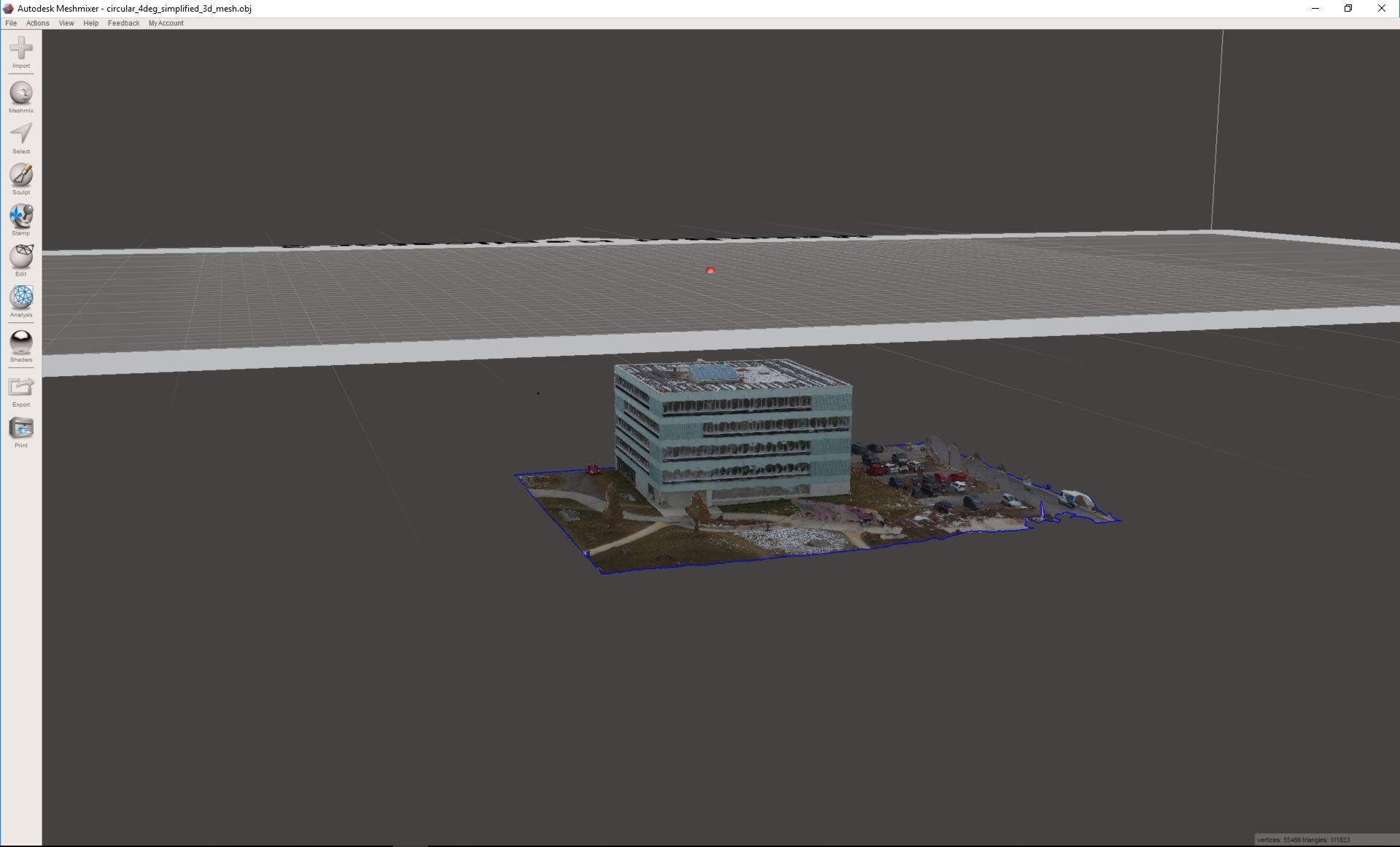
3. The 3D Textured Mesh is displayed under the x axis.
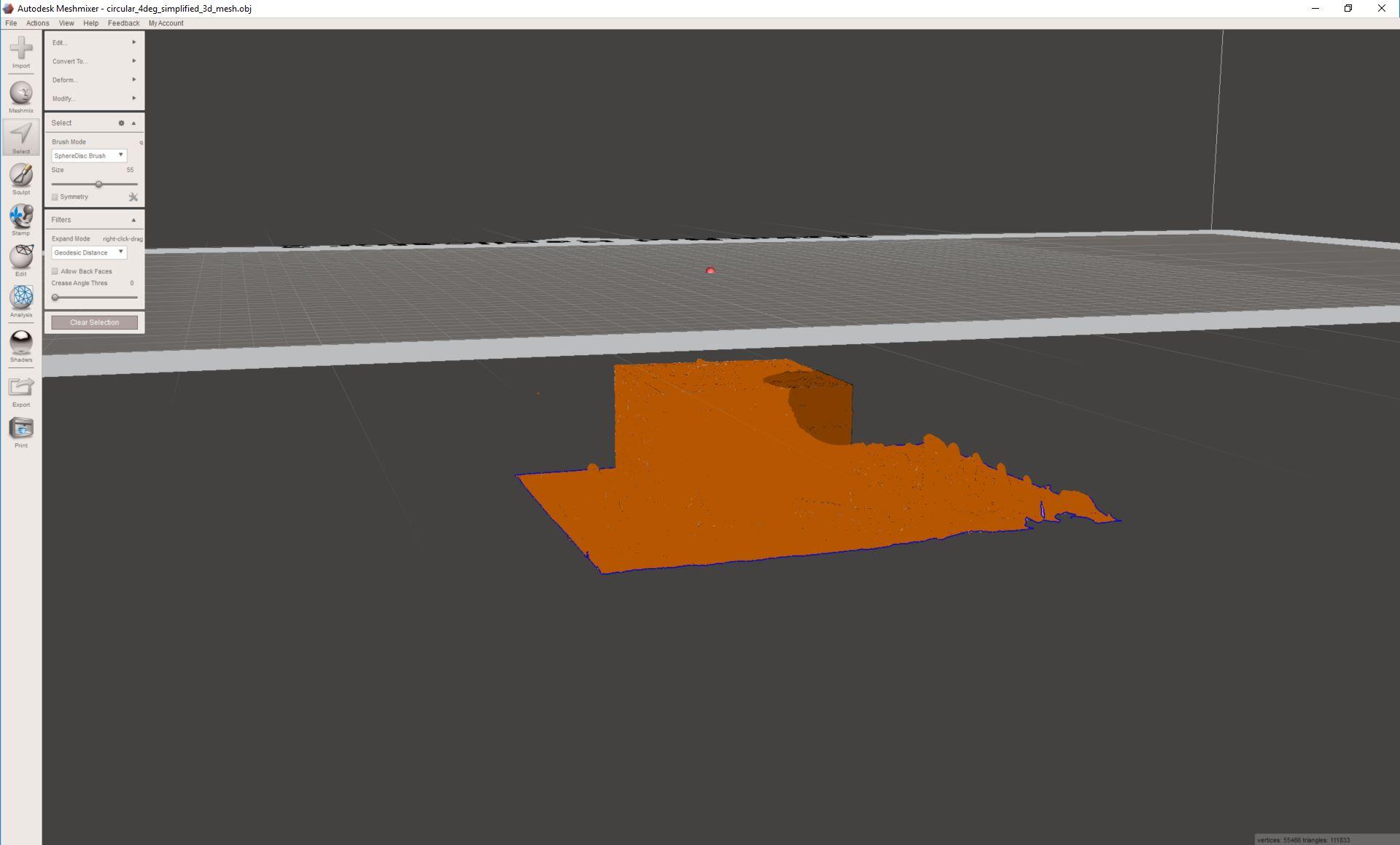
4. Press CRTL+A on the keyboard to select the whole 3D Textured Mesh.
5. Press
T on the keyboard to activate the transform tool, to change the position of the 3D Textured Mesh, the angle or scale.
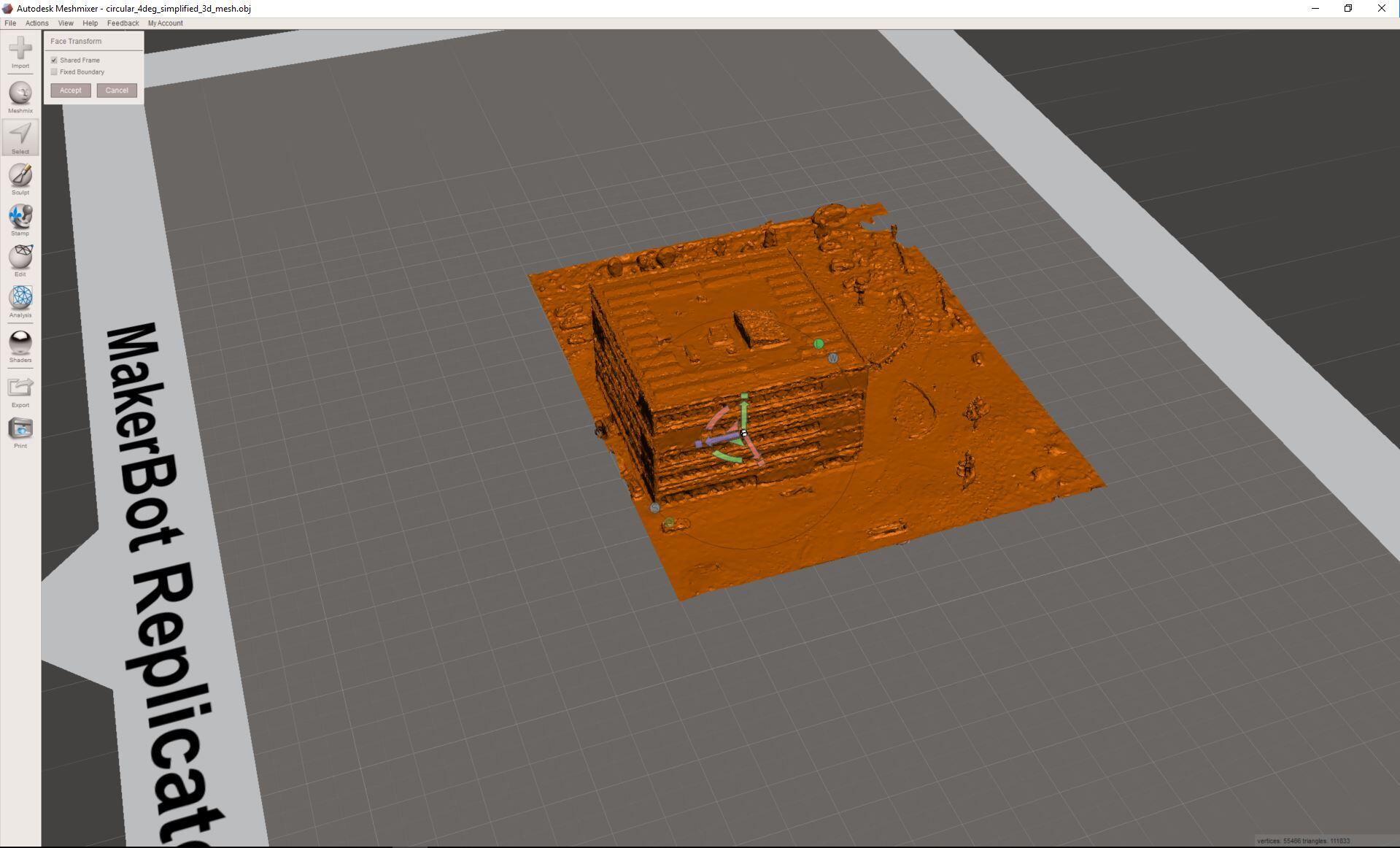
6. Place the mesh in the desired position and click Accept.
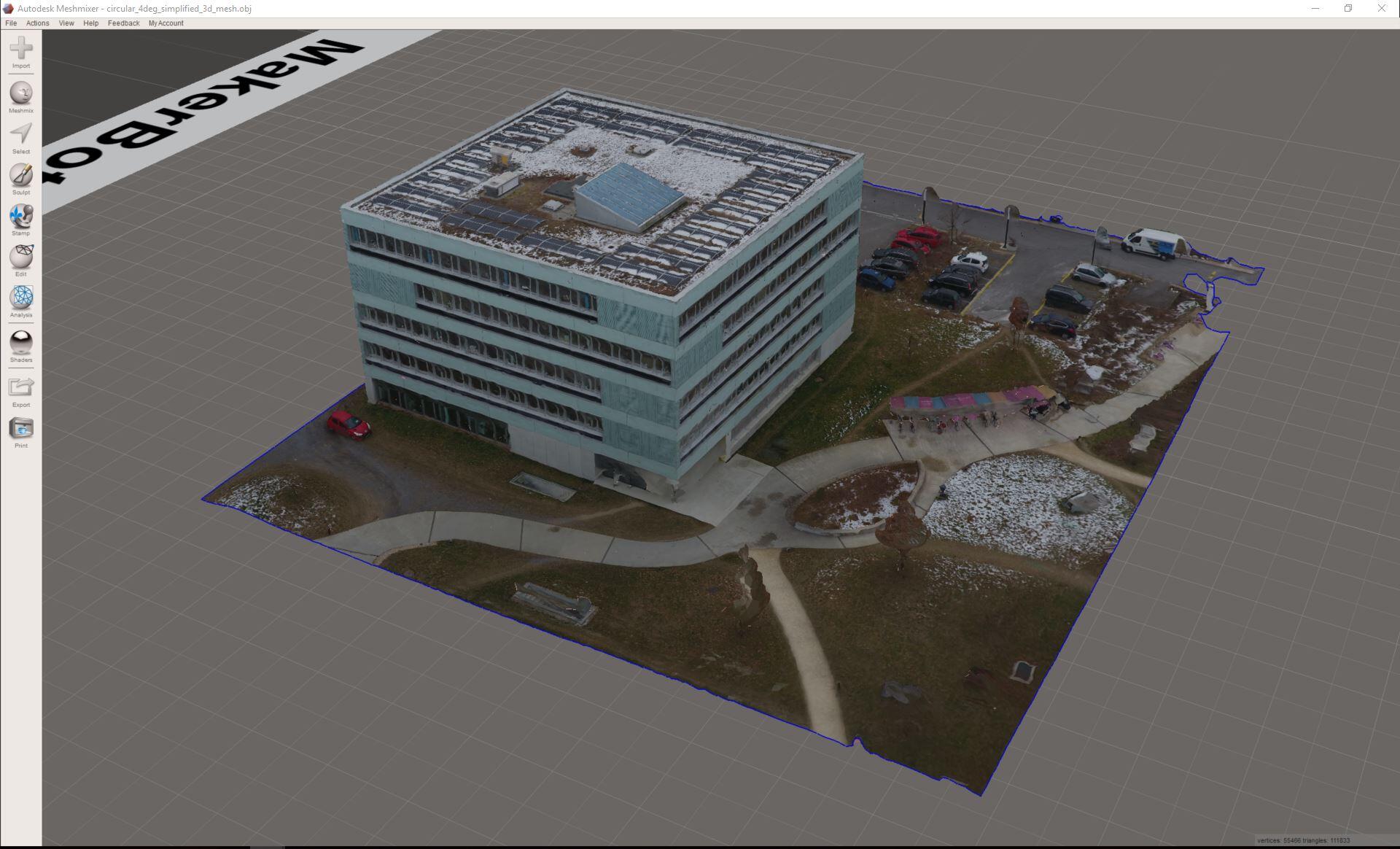
7. The mesh is correctly displayed.
免責事項:Pix4Dは、お客様へのサービスの一環としてこの情報を提供しています。Pix4Dは、このコンテンツの有効性または正確性について、明示的か黙示的かを問わず、いかなる保証もいたしません。